 Speak Teleprompter
Free teleprompter app for iPhone: what is included
Speak Teleprompter is free to download and use, with no account. The free plan includes 3 saved scripts, voice-follow in English plus one language of your choice, and short video recordings; Pro removes those limits.
Getting started for free
- Download Speak Teleprompter from the App Store.
- Open the example script or add your own with the + button.
- Choose Voice or Auto and tap the red button to record.
- Upgrade to Pro later only if you hit a limit.
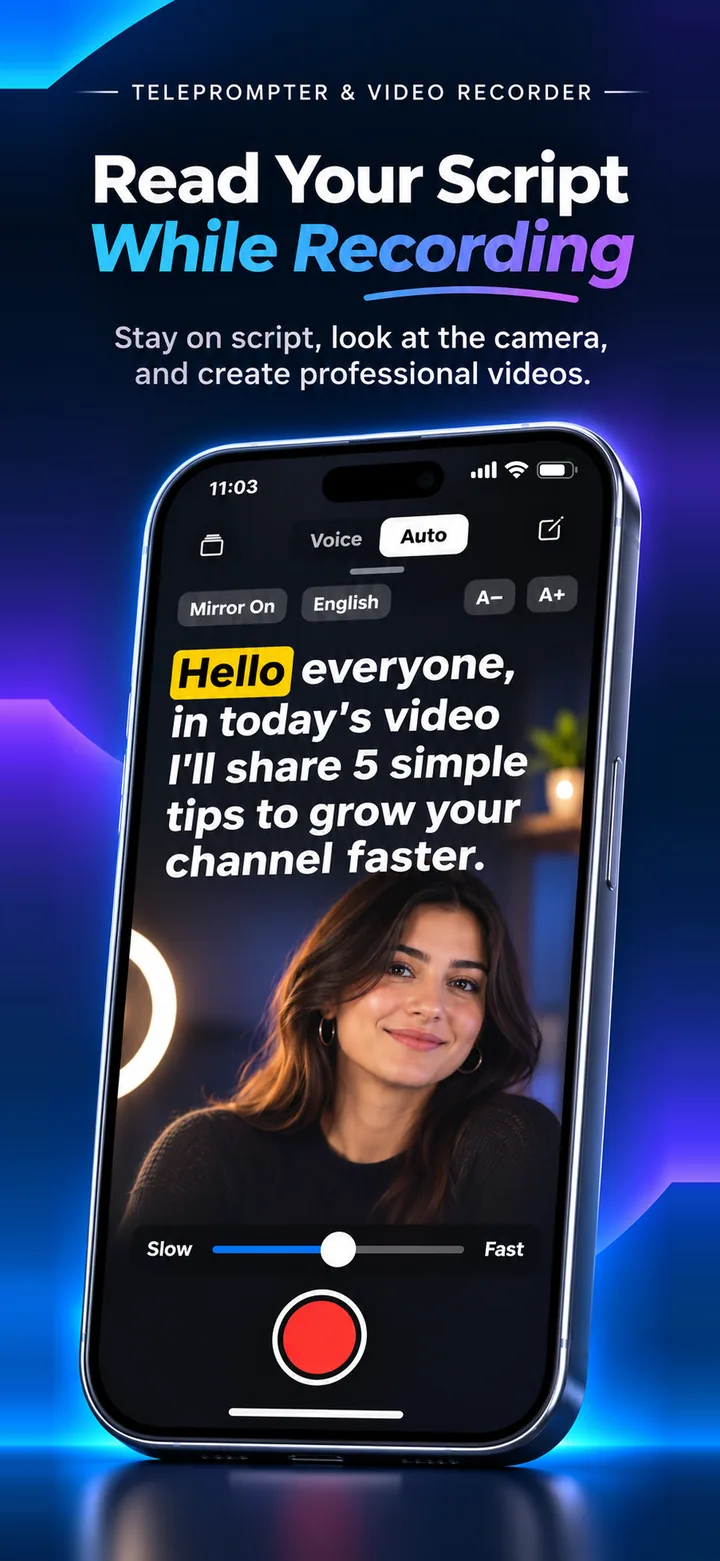
What the free plan includes
Up to 3 saved scripts, voice-follow in English plus one extra language of your choice (you can change it once), and short recordings. There is no sign-up.
What Pro adds
Unlimited saved scripts, longer recordings and voice-follow in every supported language. Monthly is $4.99, yearly is $39.99 and lifetime is $69.99 (US prices; your App Store shows your local price).
About the free trial
Monthly and yearly plans start with a 3-day free trial for eligible new subscribers. We send a reminder 1 day before it ends, and you can cancel any time in your App Store subscription settings.
Frequently asked questions
Do I need an account?
No. There is nothing to sign up for.
Can I pay once?
Yes, there is a lifetime option at $69.99 as a one-time purchase.
How do I cancel?
Open Settings on your iPhone, tap your name, then Subscriptions, and cancel Speak Teleprompter.
Try it on your iPhone
Speak Teleprompter scrolls your script as you speak and records on the front camera. Free to try.
Download on the App Store