 Speak Teleprompter
How to read a script on camera without sounding robotic
Write the script the way you speak, read it aloud a few times, and keep your eyes close to the camera lens. A teleprompter that follows your voice lets you pause and breathe, which is what makes reading sound like talking.
Seven tips for a natural read
- Write short sentences with the words you really say, including contractions.
- Read the script out loud before recording and mark the places you want to pause.
- Break long paragraphs into small chunks so each line is easy to scan.
- Keep the text near the camera so your eyes barely move.
- Smile and use your hands. Movement makes the delivery less stiff.
- Do not aim for perfect. A small stumble sounds human.
- Use voice-follow so the script waits when you pause.
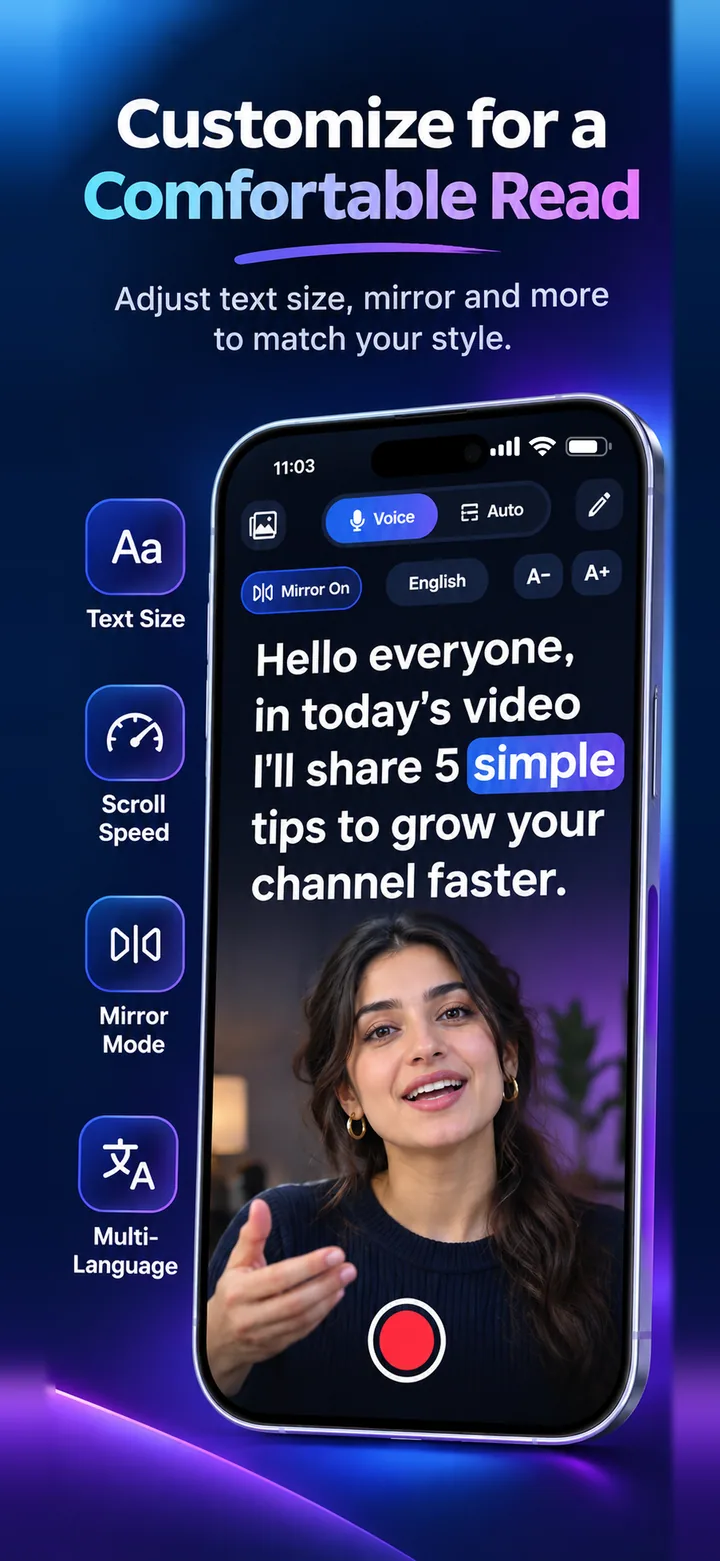
Why reading sounds robotic
People read at an even pace without pauses, and their eyes sweep sideways. Both signal “reading”. Spoken language has uneven rhythm and short breaths.
How voice-follow helps
When the script only moves as you speak, you can take a breath or ad-lib a line without losing your place. That freedom is what brings back a natural rhythm.
Frequently asked questions
Should I memorise my script instead?
You can, but a teleprompter lets you keep eye contact without the stress of remembering every line.
How long should a script be for a short video?
Read it aloud with a timer. Many short videos work well when the script reads in under a minute, but it depends on the platform and your style.
What text size should I use?
Large enough to read at arm’s length without leaning in. Use A- and A+ in the app to adjust.
Try it on your iPhone
Speak Teleprompter scrolls your script as you speak and records on the front camera. Free to try.
Download on the App Store