 Speak Teleprompter
A teleprompter for TikTok, Instagram Reels and YouTube Shorts
Short videos need tight scripts and natural delivery. Use a teleprompter that follows your voice, keep the script under a minute, and record in one take on the front camera.
Make a short video in one take
- Write a script that reads in well under a minute. Lead with the hook.
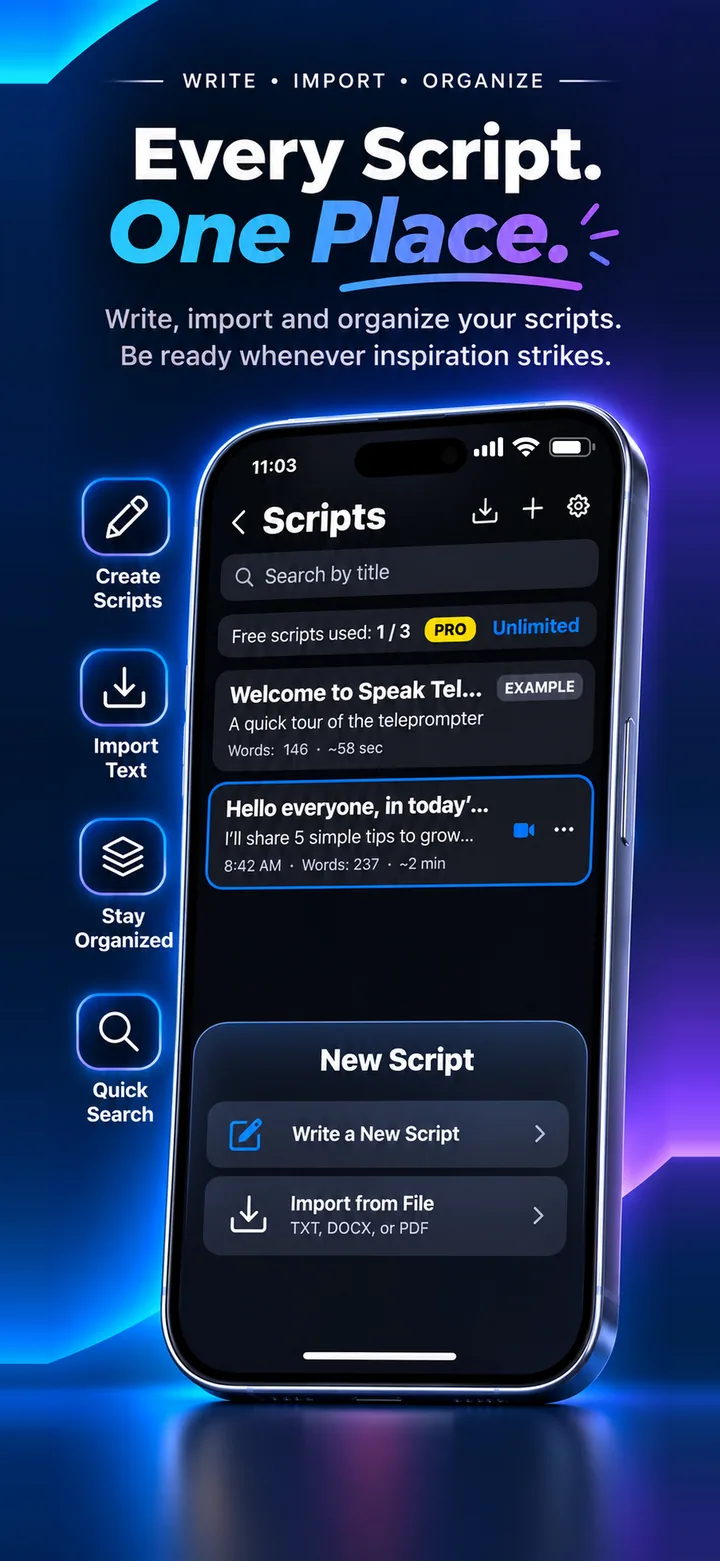
- Paste it into Speak Teleprompter and choose Voice mode.
- Set a large text size so you can read at a glance.
- Record on the front camera and read naturally, looking at the lens.
- Save from Photos and post to TikTok, Reels or Shorts.
Hook in the first seconds
Put your strongest line first. In a short video, the opening line decides whether people keep watching.
Why voice-follow fits short videos
When you flub a word or re-start a sentence, voice-follow waits for you instead of scrolling on. That saves re-takes.
Frequently asked questions
Does the video save in a vertical format?
It records from your iPhone camera and saves to Photos. Check the result in your Photos app before posting.
Can I use it for trending voice-over scripts?
It is for reading your own script while recording yourself on camera.
Is it free for short videos?
You can try it free. Free recordings are short, and Pro removes the recording limit.
Try it on your iPhone
Speak Teleprompter scrolls your script as you speak and records on the front camera. Free to try.
Download on the App Store