 Speak Teleprompter
A teleprompter that works in 11 languages
Speak Teleprompter supports voice-follow in English, Spanish, Portuguese, German, French, Italian, Hindi, Arabic, Polish, Turkish and Dutch, including right-to-left text. Pick the script language and the app listens for that language.
Record in another language
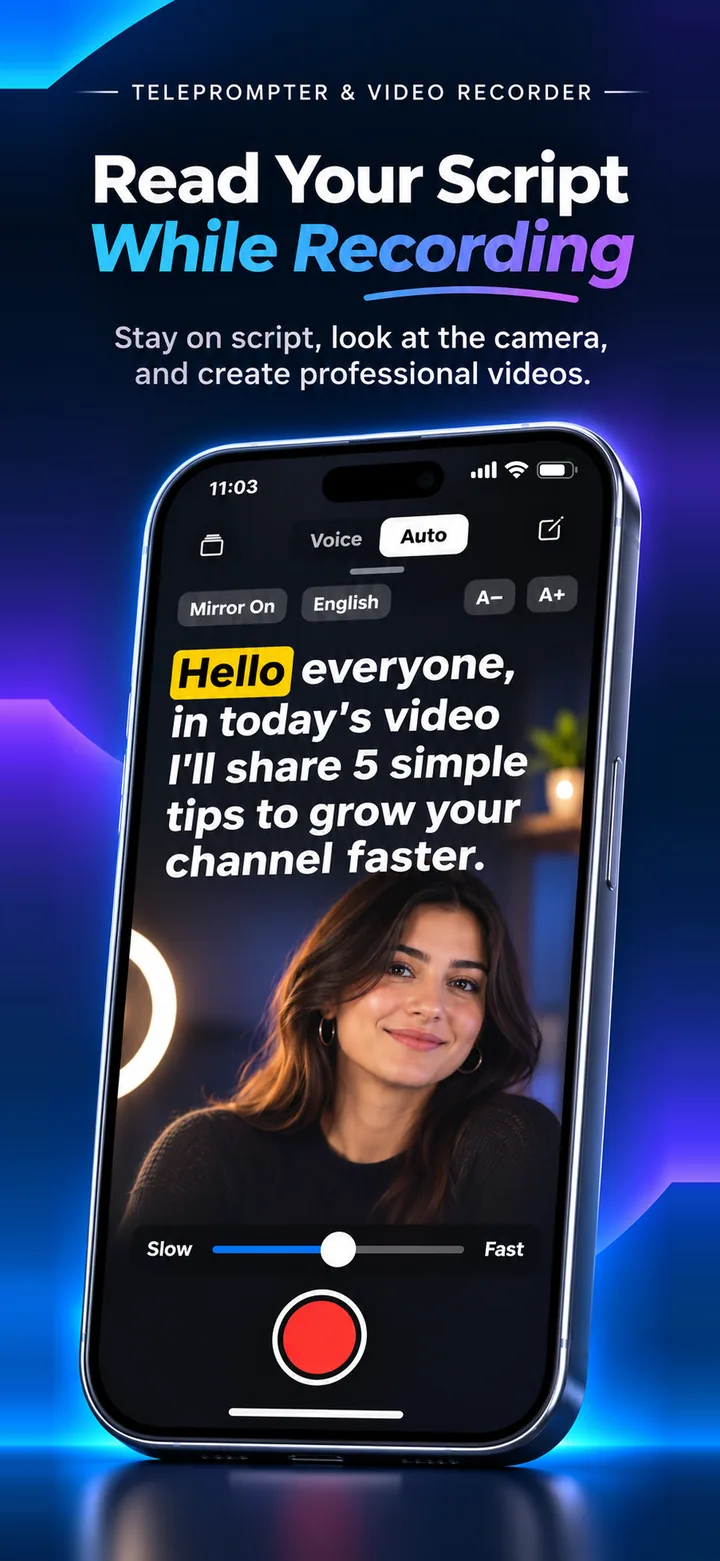
- Open your script and tap the language button at the top.
- Choose the language your script is written in.
- Make sure the voice mode is on and tap the red button to record.
- Read in that language and the highlight follows you.
Right-to-left scripts
Arabic text is displayed right to left, and voice-follow handles Arabic spelling variants when matching what you say.
What is not supported
Japanese and Chinese are not supported for voice-follow, because the matching needs spaces between words. You can still use Auto mode for any text.
Free and Pro
Free includes English plus one language of your choice. Pro unlocks all 11.
Frequently asked questions
Can I change my free extra language?
Yes, once. Pro unlocks every language.
Does the app’s menu come in my language?
The app interface is available in many languages. See the App Store listing for the current list.
Does my phone need a language pack?
Speech recognition depends on your iPhone. If a language is unavailable on your device, the app will tell you.
Try it on your iPhone
Speak Teleprompter scrolls your script as you speak and records on the front camera. Free to try.
Download on the App Store