 Speak Teleprompter
Using a teleprompter for YouTube videos
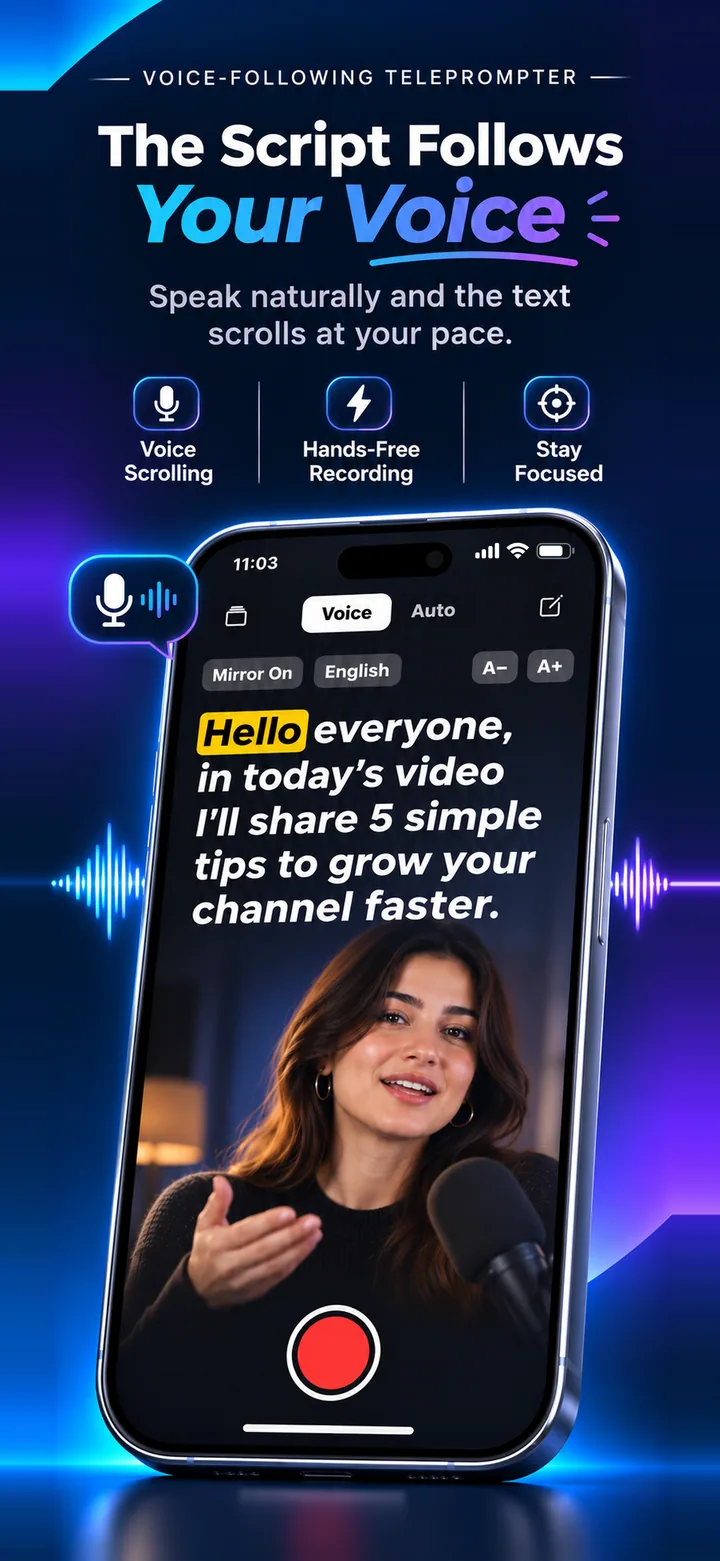
For YouTube, paste your script into a teleprompter app, record on the front camera and read while looking at the lens. A voice-following teleprompter lets you pause between points without losing your place, which suits longer videos.
Record a YouTube video with Speak Teleprompter
- Write your video in short paragraphs: hook, main points, call to action.
- Import it as TXT, DOCX or PDF, or paste it into a new script.
- Choose Voice mode, set the text size and prop the phone at eye level.
- Record in sections if the video is long. Short takes are easier to keep lively.
- Edit in your favourite video editor from your Photos library.
Structure your script for the screen
Start with a one-sentence hook, then one idea per paragraph. Short paragraphs scroll clearly and make it easy to find your place.
Record in short takes
Longer takes are harder to keep energetic. Record each section separately and cut them together.
Frequently asked questions
Can I import a script I wrote elsewhere?
Yes. Import TXT, DOCX or PDF files, or paste your text.
Is the video quality good enough for YouTube?
The app records with your iPhone’s front camera. Quality depends on your device and lighting.
Does it work for other languages?
Voice-follow supports 11 languages, including Spanish, Portuguese, German, French, Hindi and Arabic.
Try it on your iPhone
Speak Teleprompter scrolls your script as you speak and records on the front camera. Free to try.
Download on the App Store